Two requests this week came down to one question: who handles the drives? How Houston businesses can plan loose hard drives before a recycling pickup.
Short answer: before a business electronics pickup, count your loose hard drives, keep them in one closed box, and decide who destroys them. If you need a certificate of destruction, ask for it when you request the quote. If your own team handles the drives, pull them before pickup so the paperwork matches what leaves your building.
Originally sent in E-Waste Weekly #45 on November 3, 2026.
This week two Houston-area businesses asked us about retired drives. One wrote in about roughly 800 hard drives, a mix of laptop, server and external drives. At an industrial site we picked up from, the customer's own staff had already destroyed their drives before we arrived. Both plans work. The key is choosing yours before pickup day.
Make a drive plan before you request a pickup
Loose drives are the easiest thing to lose track of in a cleanout. A few minutes of planning keeps them secure and makes the quote accurate.
- Count loose drives separately from complete computers, with a rough mix of laptop drives, server drives, external drives and SSDs.
- Keep loose drives in one closed, labeled box in a locked room until the handoff.
- Need a certificate of destruction? Say so when you request the quote.
- If your own team destroys or keeps the drives, pull them before pickup and tell us, so the paperwork matches what actually leaves.
- Have IT release laptops and tablets from your device management system before they go. The industry update below explains why.
For the full process, see our hard drive destruction service in Houston, our data destruction page, and this checklist of things to do before recycling a work computer. EverTrade handles drives with a NIST SP 800-88 Rev. 2 aligned process.
Industry update: a wiped laptop can still be locked to its old owner
At the E-Scrap 2026 conference in New Orleans on October 26, a session on device unenrollment made a point many IT teams miss. As ScrapMonster reported on October 28, business laptops, phones and tablets can stay registered to a company's device management platform even after their data has been erased. That registration can stop the device from being set up by a new user. Erasing data and releasing the device are two separate steps, so put both on your IT asset disposition checklist.
At the same conference, the Consumer Technology Association shared survey results, reported by Resource Recycling: 27 percent of respondents said they threw away a tech device in the past 12 months, and 31 percent of those said they did not know the device could be recycled.
Local note: shred days take paper, not hard drives
Sugar Land's Fall Shred Day at City Hall on October 22 gave residents a chance to clear out old paper files. The city's own list of unacceptable items for that event included hard drives, cell phones and batteries. If a cleanout turned up old computers too, the drives inside them still need their own plan.
Bring the box, or have us pick up the load
A box of drives can ride along on a weekday drop-off. Monday to Friday, 9:00 AM to 4:00 PM, bring it to our Sugar Land warehouse at 10100 Belknap Rd, Suite B5, Sugar Land, TX 77498, without an appointment. Saturday is by appointment. Plan your drop-off or get directions.
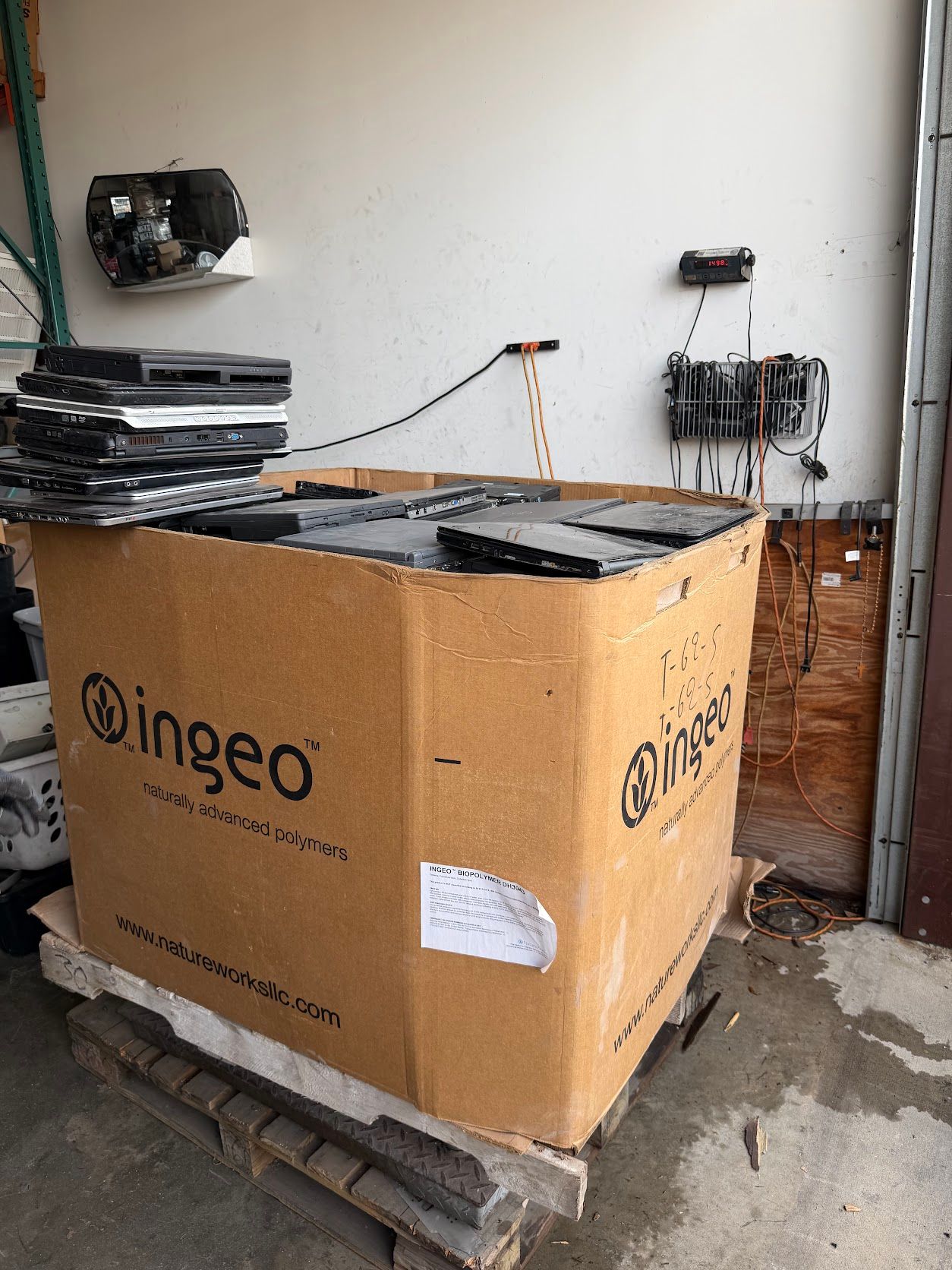
For bigger cleanouts, qualifying business loads, typically pallet-size, can be picked up instead. See business electronics recycling in Houston and what business computer recycling costs, then request a pickup quote. Tell us how many drives are in the load and whether you need a certificate of destruction, and we will confirm.
EverTrade has served Houston and Sugar Land businesses since 2016. Questions? Call (832) 777-3002.
Frequently Asked Questions
Can I drop off a box of loose hard drives without an appointment?
Yes. Monday to Friday, 9:00 AM to 4:00 PM, you can bring drives to our Sugar Land warehouse at 10100 Belknap Rd, Suite B5 without an appointment. Saturday drop-off is by appointment.
Do you pick up hard drives from businesses?
Pickup is for qualifying business loads, typically pallet-size, in Houston and surrounding areas. Request a quote, tell us how many drives are in the load, and we will confirm whether it qualifies.
How do I get a certificate of destruction for my drives?
Ask for it when you request the quote, so it is planned as part of the job. If your own team destroys or keeps the drives instead, pull them before pickup and let us know so the paperwork matches what leaves your building.
Is erasing a laptop enough before recycling it?
Erasing data and releasing a device from your company's device management platform are separate steps. Have IT do both before laptops and tablets leave your building.